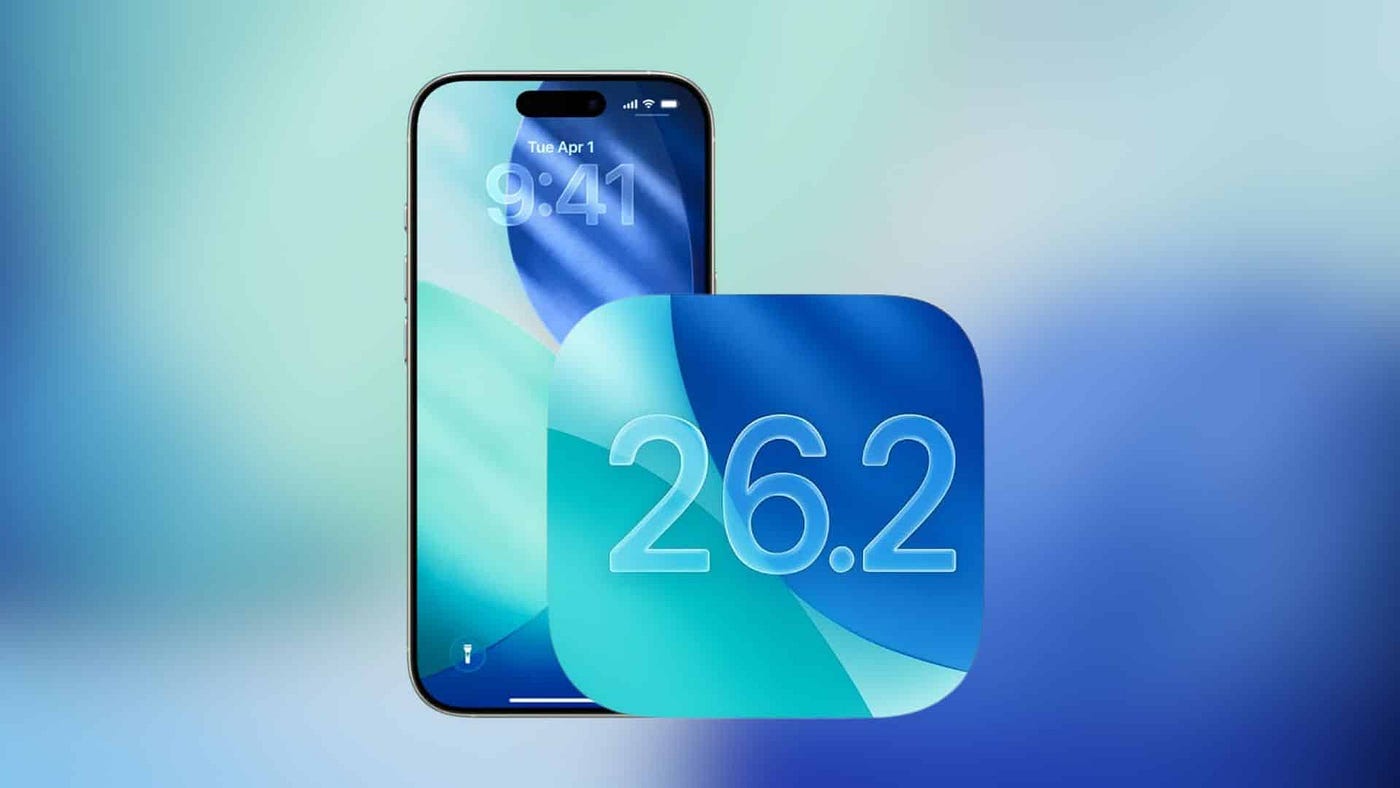
Apple’s iOS 26.2 update focuses on one simple but important goal: making the iPhone easier to read. After mixed reactions to the Liquid Glass design introduced earlier, Apple is now giving users more control, especially on the Lock Screen. The result is a cleaner look that still feels modern but works better in daily use.
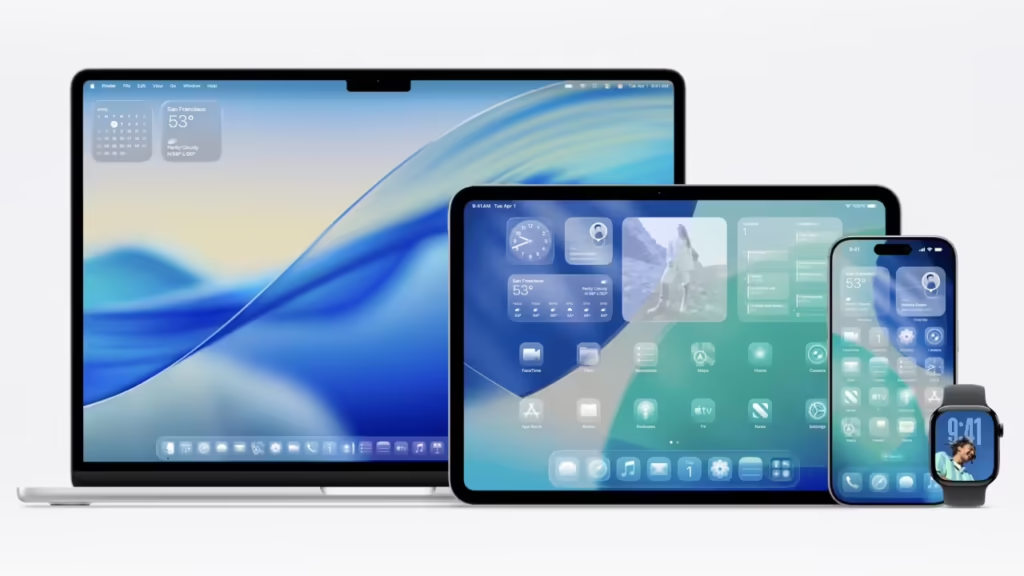
Liquid Glass first arrived with iOS 26 as a bold visual change. Buttons, sliders, and notifications became semi-transparent and reflective, creating a glass-like effect across the system. While many users liked the fresh design, others found it hard to read, especially in bright backgrounds or on the Lock Screen.
Lock Screen Clock Gets a Clarity Boost
With iOS 26.2, Apple introduces a new setting that lets users adjust the transparency of the Lock Screen clock. This means you can reduce the “glass” effect and make the clock appear more solid and clear.
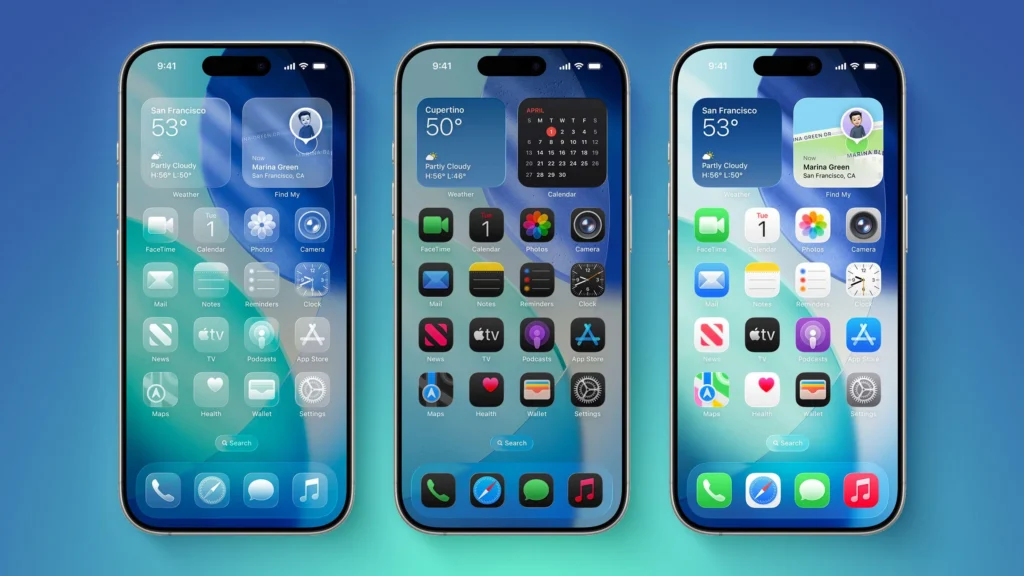
This update builds on changes introduced in iOS 26.1, which added a system-wide slider to control Liquid Glass opacity. Instead of making another global change, Apple now allows users to fine-tune specific areas. The Lock Screen, which is one of the most viewed parts of the iPhone, benefits the most from this improvement.
For users who rely on quick glances to check the time or notifications, this change makes a noticeable difference.
How Liquid Glass Has Changed Over Time
Here’s a simple comparison showing how Apple has adjusted Liquid Glass since its launch:
| iOS Version | Design Control | User Impact |
|---|---|---|
| iOS 26 | Full Liquid Glass design | Stylish but harder to read |
| iOS 26.1 | Global transparency slider | Better balance of style and clarity |
| iOS 26.2 | Lock Screen clock control | Clearer Lock Screen experience |
This steady refinement suggests Apple is listening closely to user feedback and focusing more on usability.
More Useful Features in iOS 26.2
The update is not just about design. iOS 26.2 introduces several practical features across apps. AirDrop now supports temporary sharing codes, allowing you to share files with people who are not in your contacts for a limited time. This is especially helpful in work or group situations.
The Reminders app now supports alarms, making it easier to stay on track with important tasks. Apple News gets a new Following tab, improving navigation. Apple Music adds offline lyrics, and the Podcasts app introduces AI-generated chapters and smarter episode linking.
Apple Watch users also receive a new Sleep Score, which shows how well sleep goals were met, making health tracking more meaningful.
Important Security Updates Included
Alongside new features, Apple has rolled out major security updates across iPhones, iPads, Macs, Apple TVs, and Apple Watches. These fixes address vulnerabilities that were being actively used, making iOS 26.2 an important update for device safety.
You can learn more about Apple’s recent software improvements in our related iOS update guides and Apple feature breakdowns.
Final Thoughts
The iOS 26.2 update shows Apple refining its design choices instead of forcing them. By improving Lock Screen clarity and adding useful features, Apple strikes a better balance between style and comfort. For many iPhone users, this update makes everyday use simpler, clearer, and more enjoyable.