NVIDIA has rolled out a major update that focuses on what gamers care about the most: better visuals, smoother performance, and easier control. With the launch of DLSS 4.5 Super Resolution and the latest GeForce Game Ready Driver, NVIDIA is clearly setting the tone for PC gaming in 2026. This update is not just a routine driver release—it brings meaningful improvements across gaming, displays, and creator tools.
DLSS 4.5 Super Resolution Explained
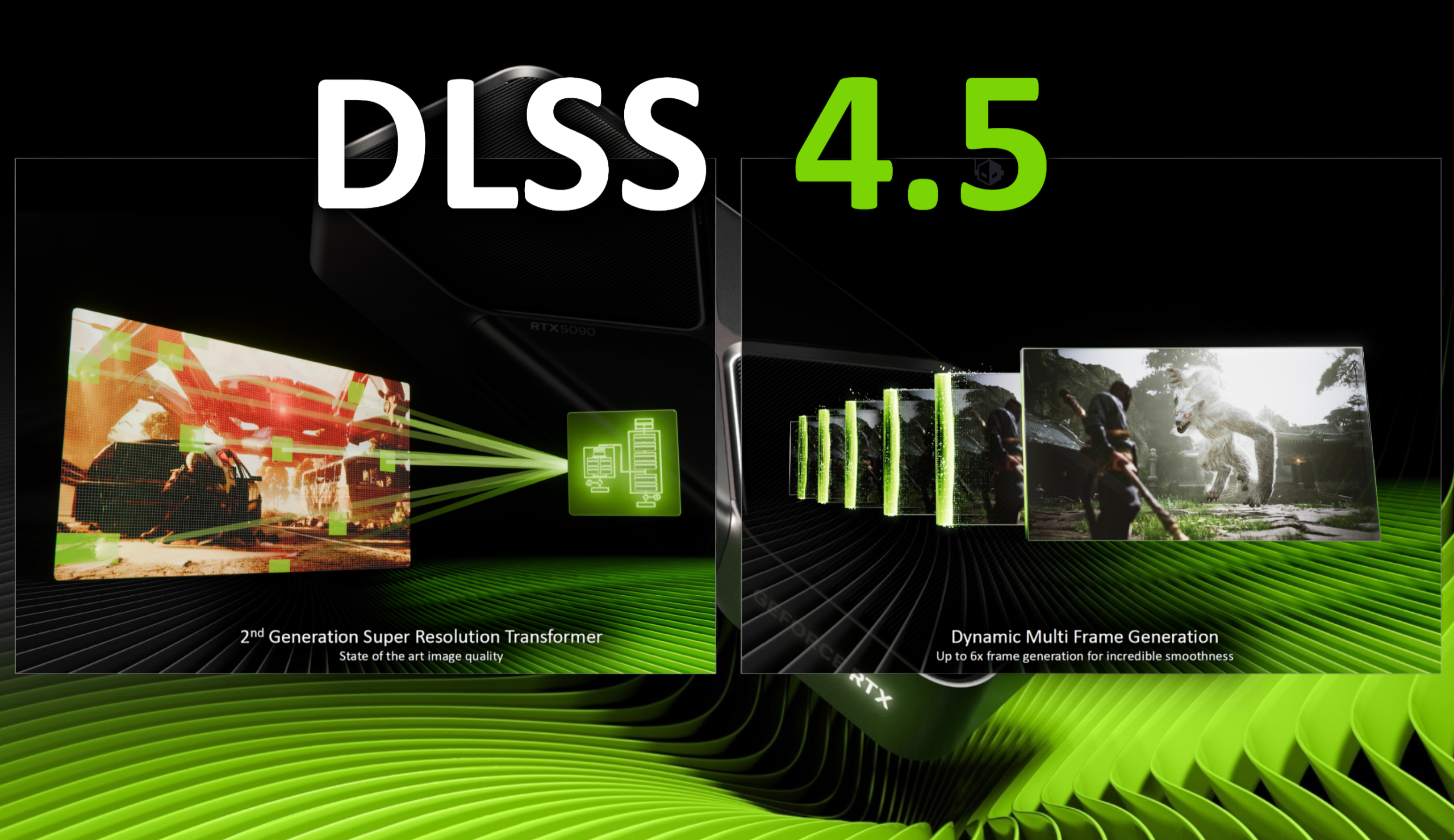
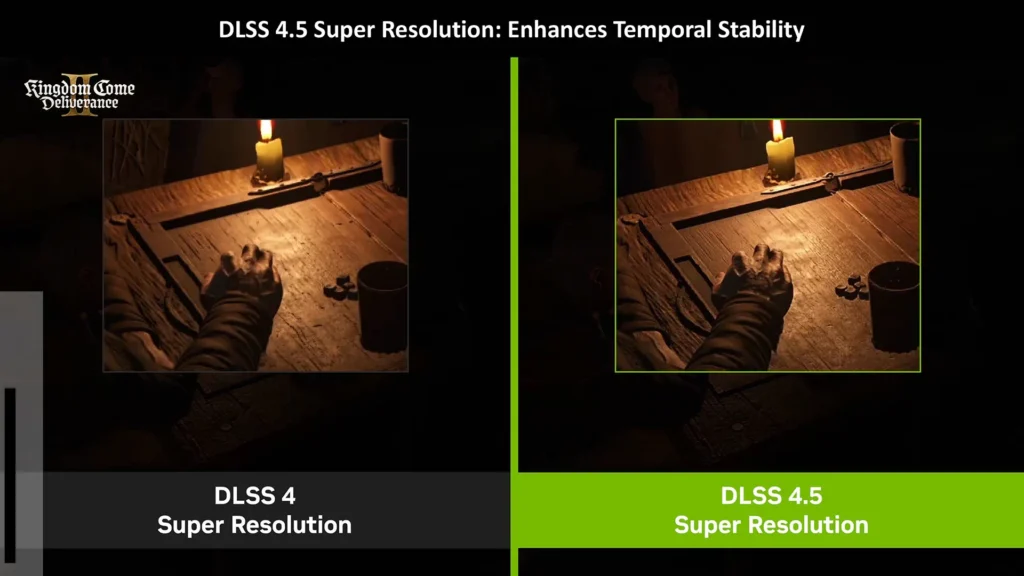
DLSS 4.5 Super Resolution builds on the strong foundation of DLSS 4. The new version introduces a second-generation transformer-based AI model. In simple terms, this means sharper details, cleaner edges, and more stable visuals during fast movement. Games look more natural, especially at higher resolutions like 4K.
Another key upgrade is Dynamic Multi Frame Generation. Instead of using a fixed performance boost, DLSS 4.5 can now adjust frame generation automatically. This helps deliver extremely high frame rates while keeping gameplay smooth, even in visually demanding scenes. For players with high-refresh-rate monitors, this makes a noticeable difference.
DLSS 4 vs DLSS 4.5 at a Glance
| Feature | DLSS 4 | DLSS 4.5 |
|---|---|---|
| AI Model | First-generation transformer | Second-generation transformer |
| Image Stability | Very good | Improved and more consistent |
| Frame Generation | Fixed multiplier | Dynamic and adaptive |
| Best Use Case | High-quality gaming | 4K and high-FPS gaming |
This comparison shows that DLSS 4.5 is a clear step forward rather than a minor update.
New NVIDIA App Features Add Flexibility
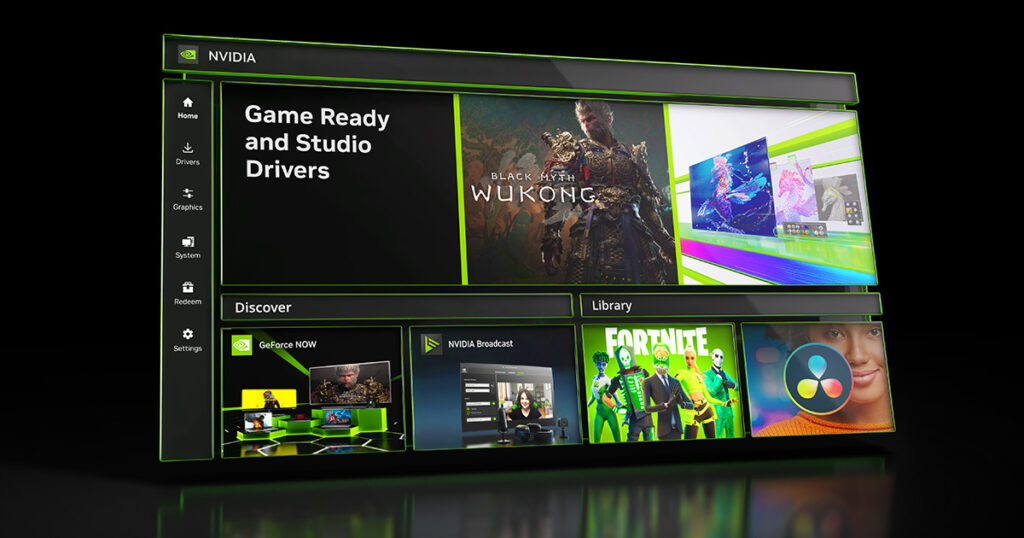
The NVIDIA app beta allows users to access DLSS 4.5 right away. From the app, gamers can apply DLSS settings globally or fine-tune them for each game. Options like choosing the latest DLSS model, adjusting scaling quality, or enabling DLAA give players more control over how their games look and run.
The app update also improves system-level features. Display settings are more complete, laptop users get better visibility into graphics switching issues, and a new Debug Mode helps troubleshoot system instability by disabling overclocking until restart.
Better Streaming and Display Support
NVIDIA Broadcast 2.1 is another highlight of this update. The improved Virtual Key Light now works on more GPUs and performs better under different lighting conditions. This is especially useful for streamers, content creators, and professionals who rely on clear video quality.
On the display side, NVIDIA introduces G-SYNC Pulsar with Ambient Adaptive Technology. This next-generation G-SYNC solution delivers smoother motion and adjusts brightness and color temperature based on room lighting. Support for many newly validated G-SYNC Compatible monitors and TVs also gives gamers more choice across different price ranges and screen sizes.
Why This Update Matters
DLSS 4.5 and the new Game Ready Driver show NVIDIA’s continued focus on AI-driven gaming. The improvements touch every part of the experience—from image quality and frame rates to display smoothness and app usability. If you follow GPU updates or have read our other posts on gaming performance, this release fits into a clear pattern of steady, meaningful upgrades.
For PC gamers in 2026, this update means games that look better, feel smoother, and offer more control—all without extra effort.