
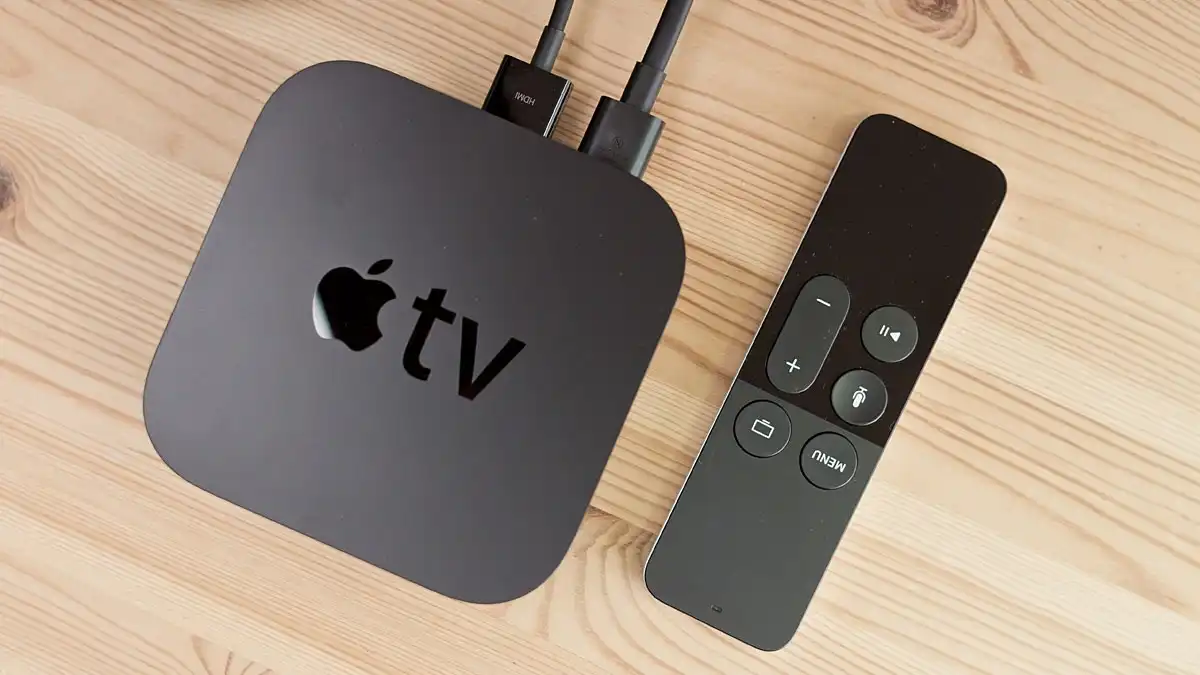
Many users leave their Apple TV plugged in all the time. Unlike some devices that need to be powered off regularly, Apple TV is actually designed to stay connected to power 24/7. The system manages power automatically and shifts into a low-energy mode when it is not in use.
Understanding how Apple TV works when plugged in all the time can help you use the device more efficiently and avoid unnecessary concerns about power usage or performance.
Automatic Sleep Mode Saves Power
When Apple TV is idle, it does not continue running at full capacity. Instead, the device enters sleep mode after a short period of inactivity, usually around 15 minutes.
In sleep mode, most background processes stop and power consumption becomes very low. This feature allows Apple TV to stay ready while using minimal electricity. When you pick up the remote again, the system wakes up instantly so you can continue watching without delay.
Because of this smart power management, keeping Apple TV plugged in does not waste energy the way many people expect.
Background Processes That Keep Apple TV Ready
Even while in standby, Apple TV performs a few important background tasks. These tasks help maintain the device and improve the user experience.
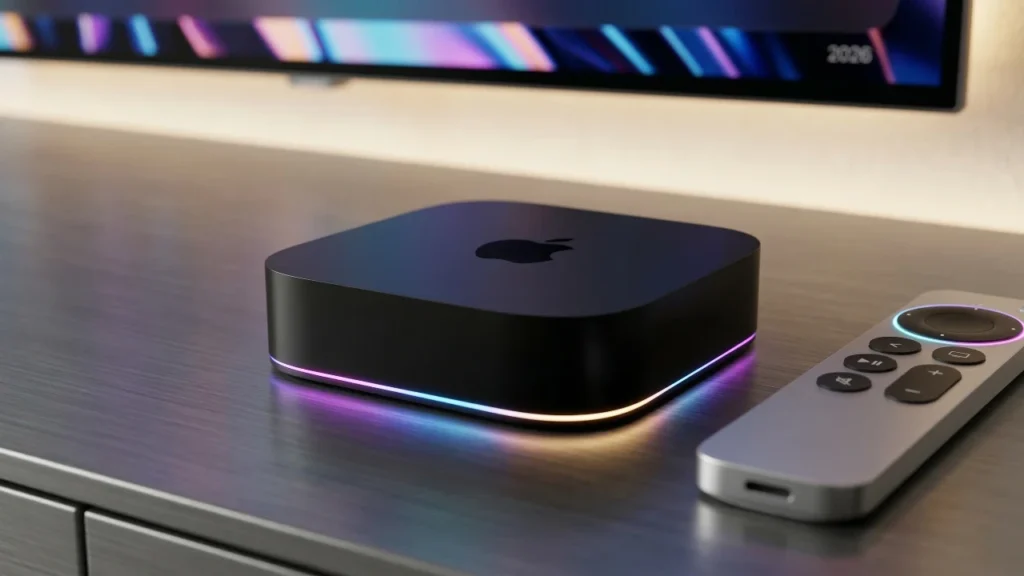
Some of the common background activities include:
- Checking for system updates
- Updating installed apps
- Preparing streaming services
- Maintaining wireless connections
These processes usually happen during idle periods and require very little power. They help keep the device stable and up to date.
If you also use smart home devices, Apple TV can work as a home automation hub. In this role, it manages certain smart home actions and allows remote control of compatible devices. For this reason, keeping Apple TV powered on can actually improve how your smart home works.
Apple TV Power Usage in Different Modes
A common concern is how much electricity Apple TV uses when it stays plugged in. The good news is that the device is very energy efficient compared to many other home electronics.
The table below shows a simple comparison of power usage in different situations.
| Activity | Estimated Power Usage |
|---|---|
| Sleep mode | Very low power consumption |
| Streaming movies or shows | Low power usage |
| Gaming or heavy apps | Moderate power usage |
Even if you use Apple TV for several hours every day, the overall electricity cost remains very small. The device is designed to balance performance and efficiency.
Benefits of Keeping Apple TV Plugged in
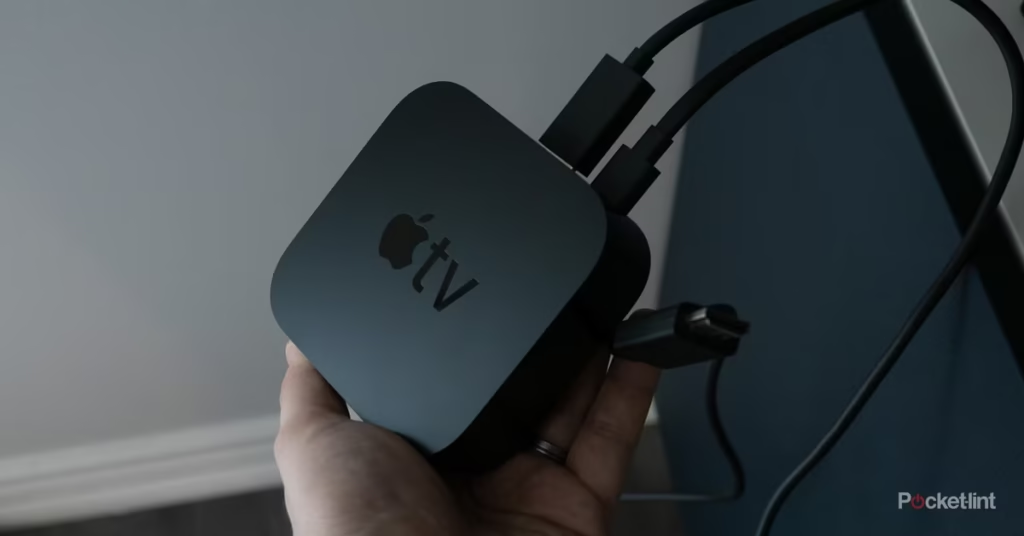
Leaving Apple TV plugged in all the time offers several advantages.
First, the device becomes ready to use instantly. There is no need to wait for the system to boot up every time you want to watch something.
Second, automatic updates work smoothly. When the device stays connected to power, it can install updates in the background and keep apps running properly.
Another benefit is consistent connectivity. If you use streaming services frequently or rely on wireless casting from other devices, Apple TV stays ready to receive content at any moment.
Should You Restart Apple TV Sometimes?
Even though Apple TV is built to run continuously, restarting it occasionally can help refresh the system. A quick restart clears temporary files and can improve performance if the device feels slow.
However, this is not something you need to do often. Most users leave Apple TV plugged in for months without any issues.
Final Thoughts
Apple TV works efficiently when plugged in all the time. The device automatically switches to sleep mode, performs essential background tasks, and uses very little electricity. Because of this smart design, keeping Apple TV connected to power is both safe and convenient.
For everyday users, leaving the device plugged in ensures faster access, smoother updates, and a better overall streaming experience.