
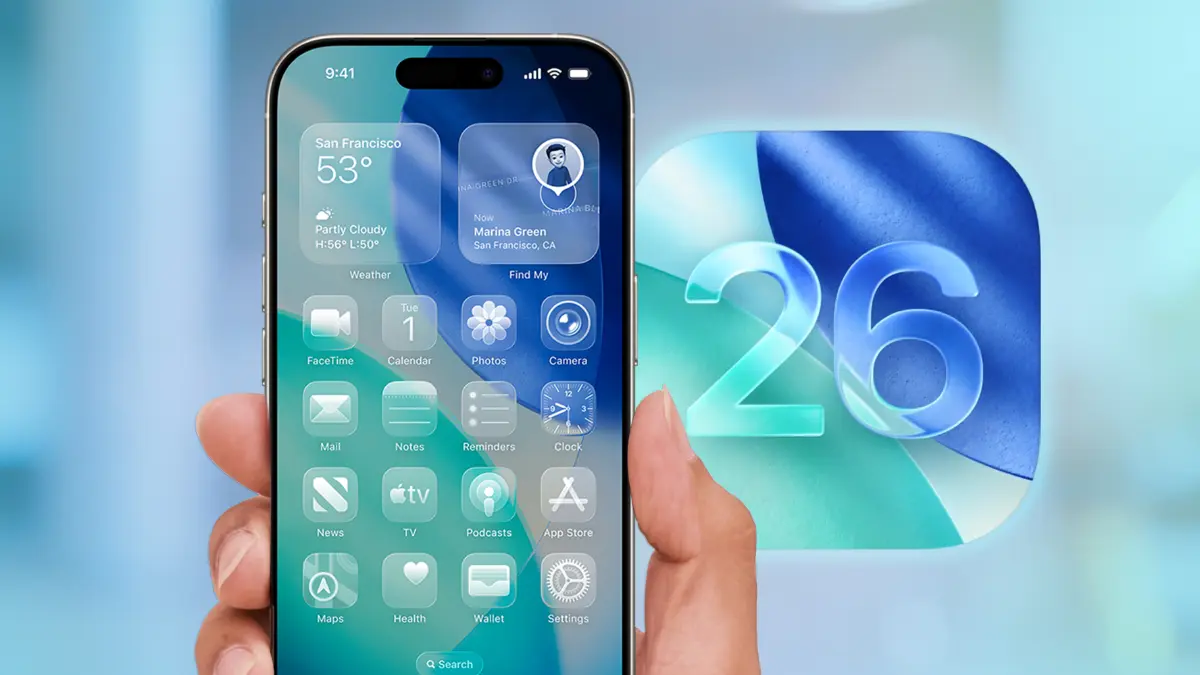
Meta Description: Apple has released iOS 26.2.1 for iPhone users. Learn why this update matters, what it fixes, and whether you should install it immediately.
iOS 26.2.1 Update Warning: Why You Should Install It Now
Apple has released iOS 26.2.1, and while it may look like a small update, it carries an important message for millions of iPhone users: update now. Many users expected iOS 26.3 in January, but Apple surprised everyone by rolling out iOS 26.2.1 instead. More importantly, this appears to be the only iPhone update released this month.
If you have not yet upgraded to iOS 26, this update makes the decision much clearer.
Why Apple Released iOS 26.2.1 Instead of iOS 26.3
When Apple launched iOS 26.2 in December, it fixed serious security issues that were actively being used in real-world spyware attacks. At the same time, Apple made it clear that full protection would only be available on iOS 26. Users who stayed on older versions had limited options.
Now, six weeks later, iOS 26.2.1 has arrived. While it does not include officially listed security patches, it focuses on bug fixes, stability improvements, and device support updates. Apple’s approach suggests that this update is meant to smooth out problems introduced after the major iOS 26 rollout.
In simple terms, iOS 26.2.1 is about keeping your iPhone stable and reliable.
What’s New in iOS 26.2.1
Although Apple has not published security CVE details for this release, the update still delivers useful improvements. It fixes common bugs reported after iOS 26.2 and adds support for Apple’s second-generation AirTag. These changes may seem small, but they help improve daily performance and compatibility.
For users who experienced glitches, battery drain, or minor crashes after upgrading to iOS 26, this update can make a noticeable difference.
iOS 26 vs Older Versions: A Quick Comparison
| Feature Area | iOS 26 | Older iOS Versions |
|---|---|---|
| Security Protection | Full protection against recent threats | Limited or delayed fixes |
| Bug Fixes | Regular improvements like iOS 26.2.1 | Fewer stability updates |
| New Hardware Support | Supports latest devices and accessories | Limited compatibility |
| Long-Term Updates | Priority support from Apple | Gradually phased out |
This comparison shows why Apple strongly encourages users to move to iOS 26 if their device supports it.
Should You Upgrade to iOS 26.2.1 Now?
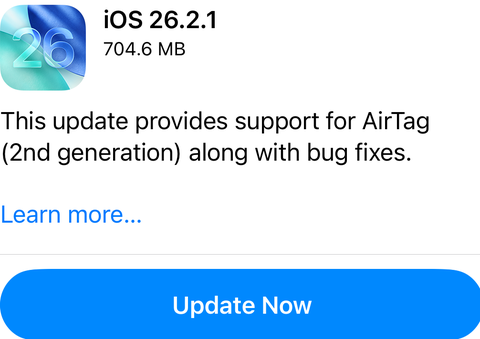
If you are already on iOS 26, installing iOS 26.2.1 is a smart move. It improves stability and ensures your device works smoothly with newer Apple hardware. If you are still using an older iOS version, this update is another reminder that staying behind may expose your iPhone to issues over time.
Apple does offer temporary security updates for older versions, but those do not last forever. As discussed in our earlier iPhone software update guides, delaying major upgrades becomes riskier as time passes.
Final Thoughts
iOS 26.2.1 may not be packed with flashy features, but it plays an important role in keeping iPhones secure and stable. With no other January update expected, this release acts as Apple’s clear signal to upgrade.