
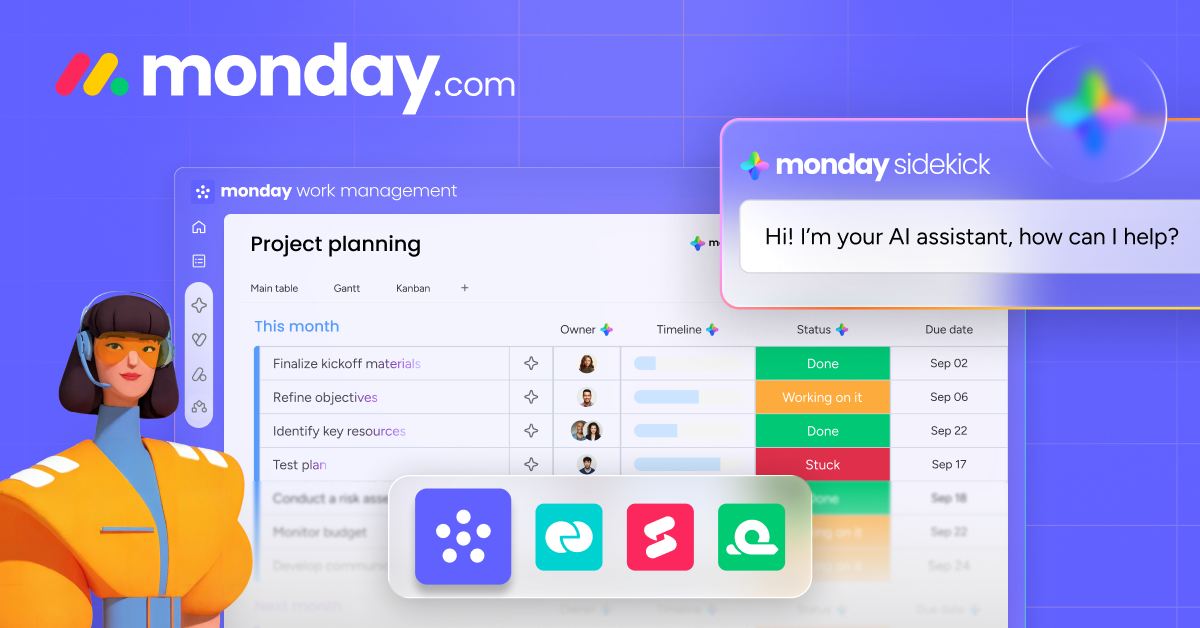
In today’s busy work environment, teams often manage many tasks at the same time. Without the right tools, projects can become confusing, deadlines may be missed, and communication can break down. This is why many organizations now use digital work management platforms.
One of the most popular tools today is monday.com. It is designed to help teams organize projects, track progress, and collaborate smoothly. With a clean interface and visual boards, monday.com makes work management simple and easy to understand for everyone.
Whether a company is a small startup or a large business, monday.com helps teams stay organized and productive.
What is monday.com?
monday.com is a work operating system that allows teams to manage tasks, projects, and workflows in one place. Instead of using multiple tools for communication and tracking work, teams can bring everything together on one platform.
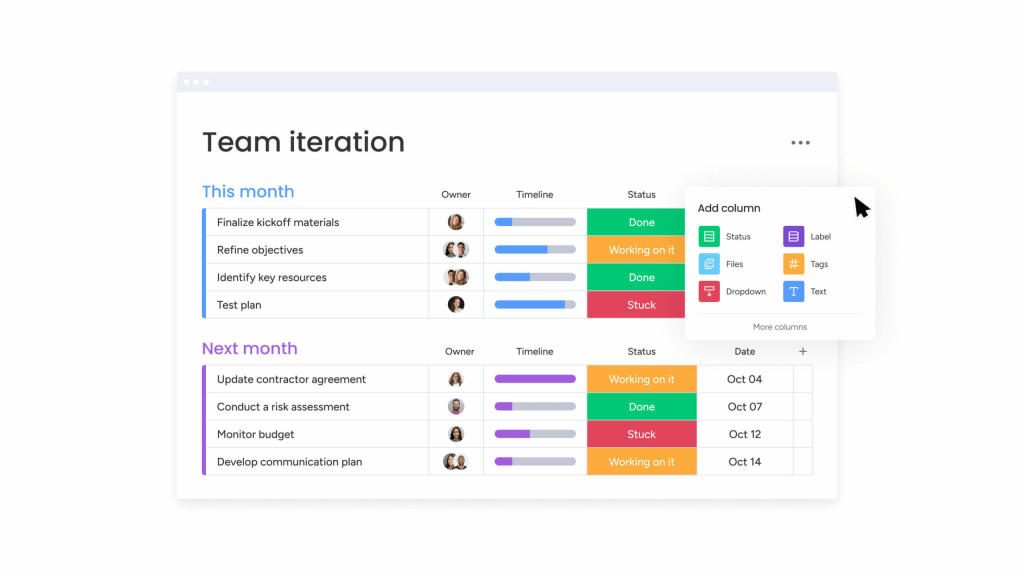
The system uses project boards where tasks are arranged in rows and columns. Each task can include important details such as:
- Task status
- Due dates and timelines
- Assigned team members
- Files and documents
- Comments and updates
Because all tasks appear on a single dashboard, team members can quickly understand what needs to be done and who is responsible for it.
Key Features of monday.com Work Management
Visual Project Boards
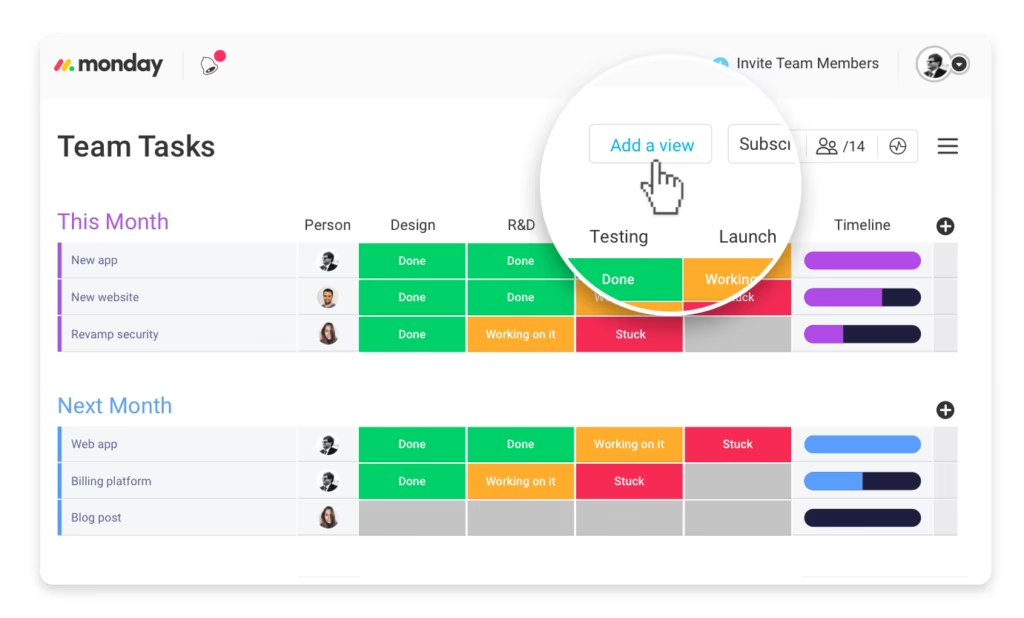
One of the main strengths of monday.com is its visual project boards. These boards allow teams to see all tasks clearly and track progress easily.
Teams can customize columns to manage information such as:
- Task status
- Deadlines
- Priority levels
- Assigned team members
This visual layout makes project tracking simple, even for new users.
Workflow Automation
Repetitive tasks can slow down productivity. monday.com offers automation tools that reduce manual work.
Teams can create rules such as:
- Notify team members when task status changes
- Move tasks to the next stage after completion
- Send reminders before deadlines
These automations save time and help teams stay focused on important work.
Better Team Collaboration

Communication is an important part of project management. monday.com allows team members to comment directly on tasks, share files, and post updates in one place.
This keeps discussions connected to the work and reduces the need for long email chains.
Multiple Work Views
Different teams prefer different ways to view projects. monday.com offers multiple work views to match different needs.
These include:
- Kanban boards
- Timeline view
- Calendar view
- Gantt charts
This flexibility allows teams to manage projects in the format that works best for them.
monday.com vs Other Project Management Tools
Many businesses compare monday.com with other project management tools before choosing a platform.
| Feature | monday.com | Trello | Asana |
|---|---|---|---|
| Interface | Visual and customizable | Simple Kanban boards | Structured task lists |
| Automation | Advanced automation features | Limited automation | Moderate automation |
| Customization | Highly customizable workflows | Basic customization | Good planning tools |
| Best For | Teams managing complex workflows | Small teams and simple tasks | Teams needing structured planning |
From this comparison, monday.com stands out for its flexibility and ability to support different workflows.
Why Teams Choose monday.com
There are several reasons why many companies adopt monday.com for work management:
- Easy to learn and use
- Visual task tracking for better clarity
- Flexible workflows for different industries
- Strong collaboration features
Teams working in marketing, software development, HR, and operations often rely on monday.com to manage their daily tasks and projects.
You can also explore our project management tools guide and team productivity strategies to learn more about improving workflow efficiency.
Final Thoughts
Managing projects becomes much easier when teams have a clear view of their tasks and progress. monday.com provides a simple yet powerful platform that helps teams organize work, communicate effectively, and meet deadlines.
With visual boards, automation features, and flexible workflows, monday.com has become one of the leading work management tools today. For teams looking to improve organization and productivity, it offers a reliable and practical solution.