Samsung has officially announced that it will discontinue its built-in texting app, Samsung Messages, by July 2026. This change is important for millions of users who depend on Samsung phones for daily communication. If you are using a Samsung device, you should understand what is happening and how it may affect you.
Why Samsung Is Discontinuing Its Texting App
Samsung’s decision is part of a bigger strategy. Since all Samsung smartphones operate on Android, the company wants to offer a more unified messaging experience. Instead of running its own app, Samsung is encouraging users to switch to Google Messages.
This move helps reduce confusion and ensures that users get consistent updates and features. Maintaining a separate messaging app also requires time and resources, which Samsung is now choosing to invest elsewhere.
What Happens After July 2026
Once the app is discontinued, Samsung Messages will no longer be available for download. Existing users may also lose support over time. Some newer Samsung devices already do not offer the app at all.
However, users with older Android versions may still be able to use the app for a limited period. Even so, switching early is recommended to avoid any interruption in service.
Google Messages: The Recommended Alternative
Google Messages is now the default choice for Samsung users. It offers several modern features that improve everyday communication. These include better group chats, improved media sharing, and support for advanced messaging standards.
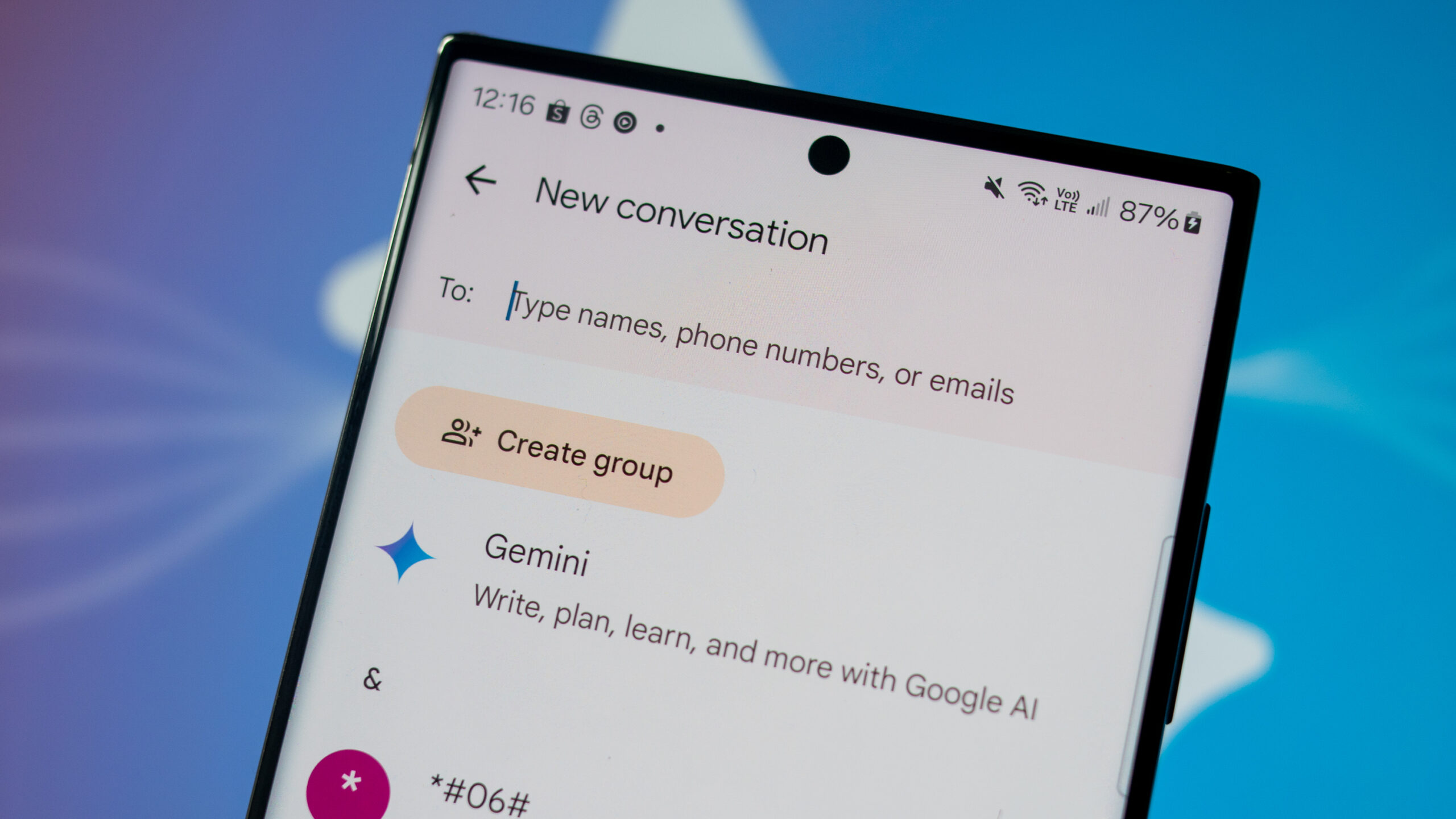
One of the key highlights is the use of artificial intelligence. Users can get smart reply suggestions and even generate images during conversations. These features make messaging faster and more engaging.
Samsung Messages vs Google Messages
Here is a simple comparison to help you understand the difference:
| Feature | Samsung Messages | Google Messages |
|---|---|---|
| Support Status | Ending soon | Fully supported |
| Updates | No future updates | Regular improvements |
| AI Features | Limited | Advanced features |
| Media Sharing | Basic | High-quality sharing |
| Messaging Experience | Standard | Modern and interactive |
This comparison clearly shows that Google Messages is more future-ready.
How to Switch to Google Messages
Switching is quick and easy. First, check if Google Messages is already installed on your phone. If not, download it from the Play Store. Once installed, open the app and set it as your default messaging option.
Some users may also see a notification guiding them through the process. After switching, you can continue messaging without any issues.
Final Thoughts
Samsung discontinuing its texting app may feel like a big change, but it brings better opportunities. Moving to Google Messages ensures access to the latest features, regular updates, and a smoother messaging experience.
If you have not switched yet, now is the right time to do so and stay updated with modern communication tools.