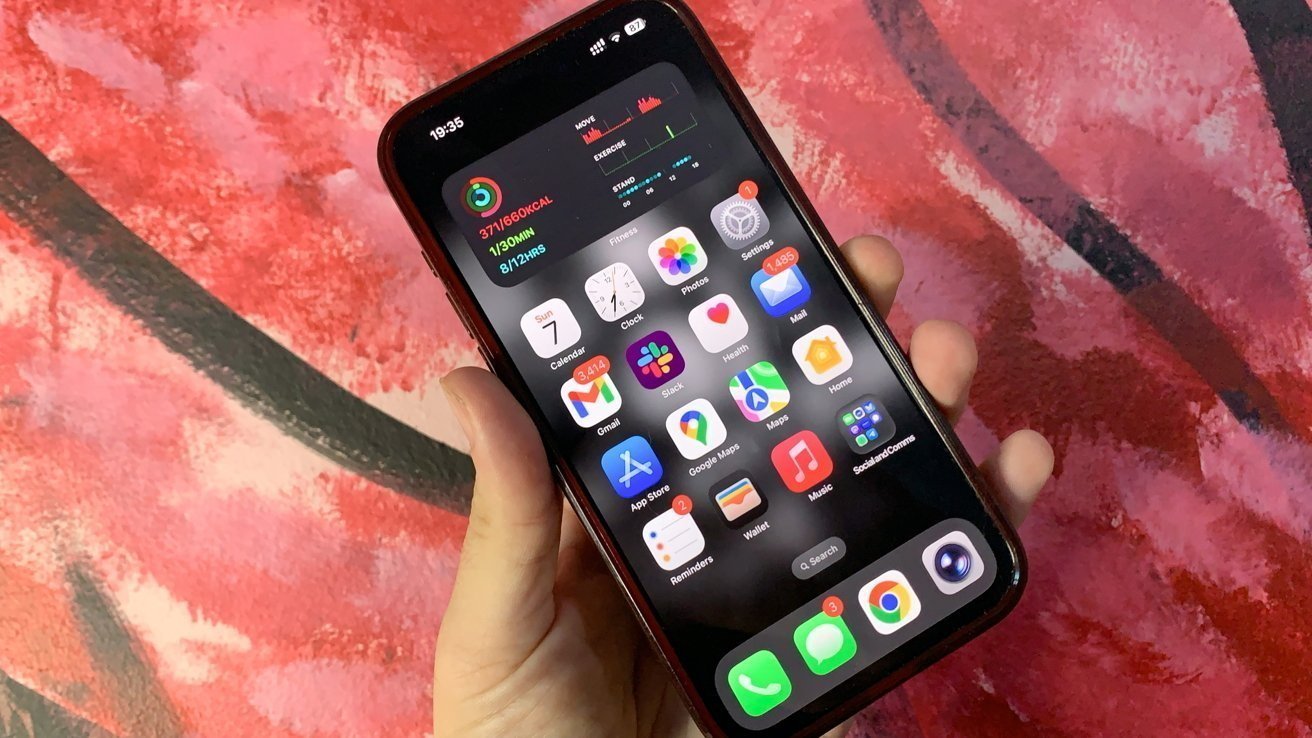
The iOS 27 home screen update is a welcome change for iPhone users who love to customize their devices. Apple has been improving the home screen step by step, and this update continues that trend with simple but useful features.
For many users, arranging apps and widgets is part of daily phone use. The new update makes this process easier, faster, and less frustrating.
What Makes the iOS 27 Home Screen Update Special?
The biggest improvement in the iOS 27 home screen update is the addition of Undo and Redo options. These features allow users to quickly fix mistakes while editing their home screen.
When you long-press the home screen, you already get options to edit layout, add widgets, and change wallpapers. Now, two more buttons will be added:
- Undo: Takes you back to your previous layout
- Redo: Restores the change you just removed
This small update can save a lot of time, especially when you are trying different layouts.
A Better Way to Customize Your iPhone
Customization should feel simple, not stressful. In older versions, if you made a mistake while moving apps or widgets, you had to fix everything manually. That could be annoying, especially if many icons moved at once.
With the iOS 27 home screen update, you can experiment freely. If something does not look right, just tap undo and try again. This gives users more confidence to explore new designs.
If you often organize your apps, you may also want to check other customization features in your iPhone settings, which work well with this update.
iOS 27 vs Previous Versions
To understand the improvement better, here is a simple comparison:
| Feature | Previous iOS Versions | iOS 27 Update |
|---|---|---|
| App layout editing | Manual | Smarter and easier |
| Undo feature | Not available | Available |
| Redo feature | Not available | Available |
| User control | Limited | Improved |
| Customization experience | Basic | Smooth and flexible |
This comparison shows how the update focuses on user comfort and control.
Why iPhone Users Will Love This Update
The iOS 27 home screen update is great because it solves a real problem. Many users like to keep their home screen clean and organized, but mistakes can happen during editing.
With undo and redo options, users can:
- Fix changes instantly
- Compare different layouts
- Avoid repeating the same steps
These benefits make everyday phone use more enjoyable.
More Improvements in iOS 27
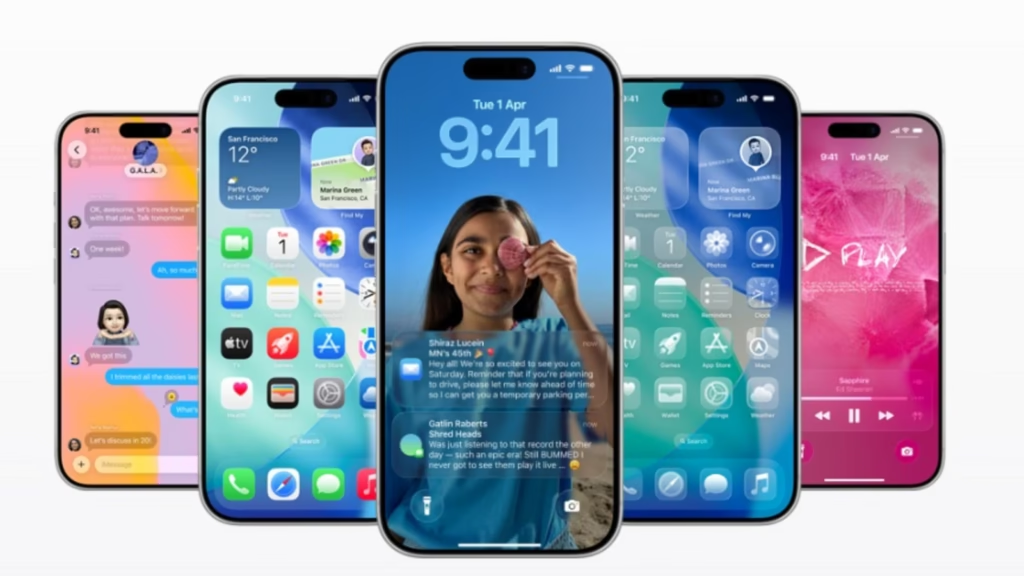
Apart from the home screen changes, iOS 27 is expected to bring better performance and improved battery life. There may also be updates to smart features that make the phone more helpful in daily tasks.
All these updates together aim to give users a smoother experience.
Final Thoughts
The iOS 27 home screen update is a simple yet powerful improvement. It makes customization easier and removes the stress of making mistakes.
For iPhone users who enjoy personalizing their devices, this update is a great step forward. It shows that even small features can make a big difference in daily use.
Overall, iOS 27 continues to improve the way people interact with their iPhones, making them more flexible and user-friendly.